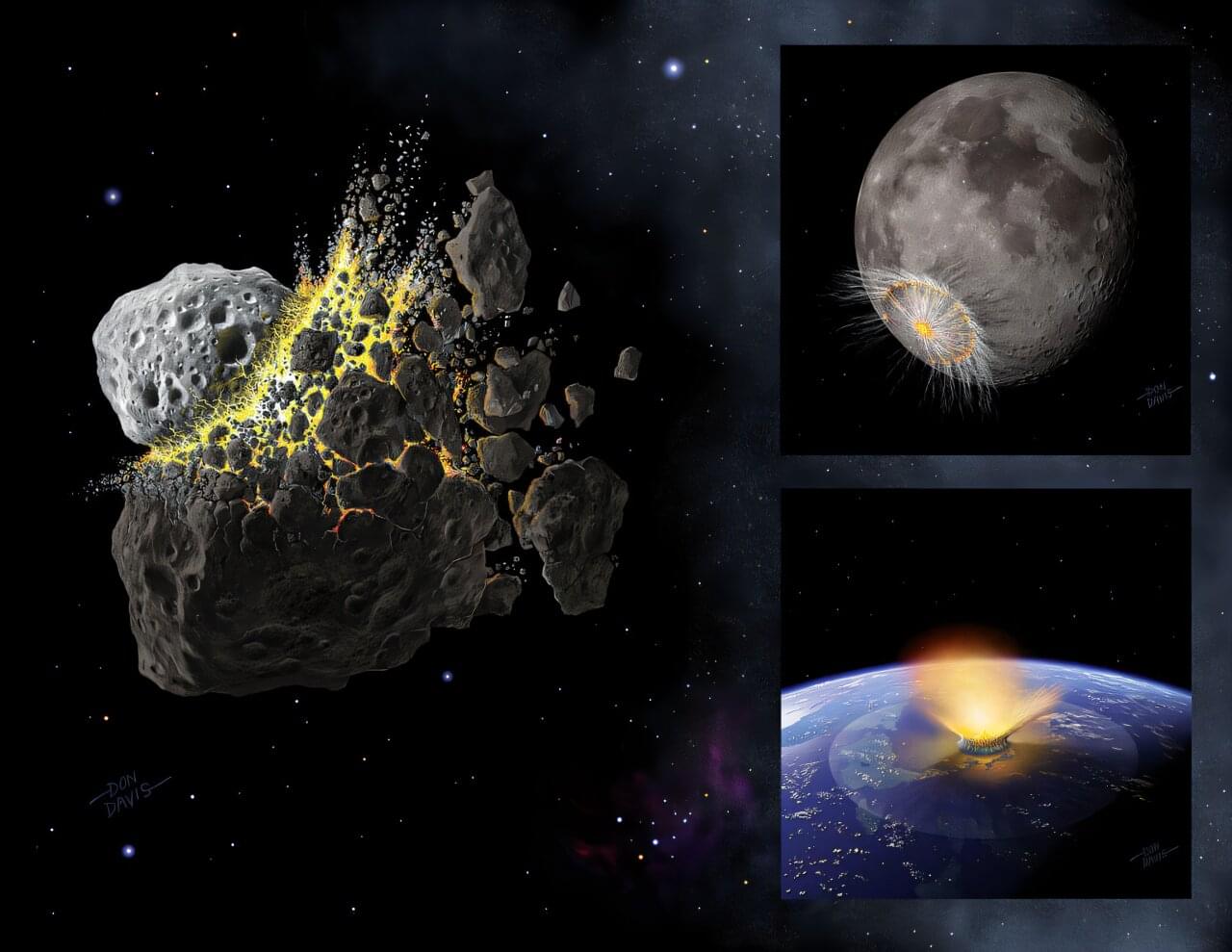
A Southwest Research Institute-led study has proposed a connection between a specific collision in the main asteroid belt and an inner-solar-system-wide bombardment episode that may have had measurable biological and geological consequences on Earth. The research suggests that the catastrophic breakup of the Eulalia parent body could be linked to an impact shower that struck the terrestrial planets about 800 million years ago. The work is published on the arXiv preprint server.
“The role impacts have played in shaping the origin and evolution of life in our solar system is poorly understood,” said Dr. William Bottke, an executive director in SwRI’s Solar System Science and Exploration Division in Boulder, Colorado. He also directs the Center for Lunar Origin and Evolution (CLOE), SwRI’s team in NASA’s Solar System Exploration Research Virtual Institute, and is lead author of a paper describing this research. “The heavily cratered surface of the moon serves as a reminder of the large impacts in Earth’s past, but so far, only the Chicxulub impact event 66 million years ago has been strongly linked to a specific effect on life, namely the mass extinction of the dinosaurs.”
Finding geological evidence of impacts older than 650 million years ago on Earth is challenging because of the constant renewal of our home planet’s surface. Earth’s landscape constantly changes as constructive forces such as volcanoes and plate tectonics build it up, while destructive forces such as weathering wear it down. One way researchers have searched for clues about Earth’s past is to study asteroid shower events.